// guide · public
How to run layered elastic pavement strain analysis
PAVEstrain treats a flexible pavement as elastic layers on a semi-infinite subgrade, applies circular wheel loads, and reports the critical asphalt tensile and subgrade compressive strains that drive fatigue and rutting. This short guide covers how to use it.
1. Enter the pavement and loads
- Layers (up to 10): thickness (in), elastic modulus E (psi) and Poisson's ratio ν for each layer. The last layer is the subgrade and extends to unlimited depth. Interfaces can be fully bonded, frictionless or partially bonded.
- Loads (up to 12): circular contact areas. Give any two of load P (lb), contact pressure p (psi) and contact radius a (in), plus the (x, y) position of each tire. Duals, tandems and other wheel groups are just several loads.
- Evaluation points (up to 60): optional (x, y, z) points where you want the full deflection, stress and strain table. Critical strains are also searched automatically under and between the wheels.
- Units: US customary only — lb, in, psi, mils (0.001 in) and microstrain (με).
The cross-section and plan plots update as you edit, so you can check that the tires and points sit where you expect before you calculate.
2. Calculate
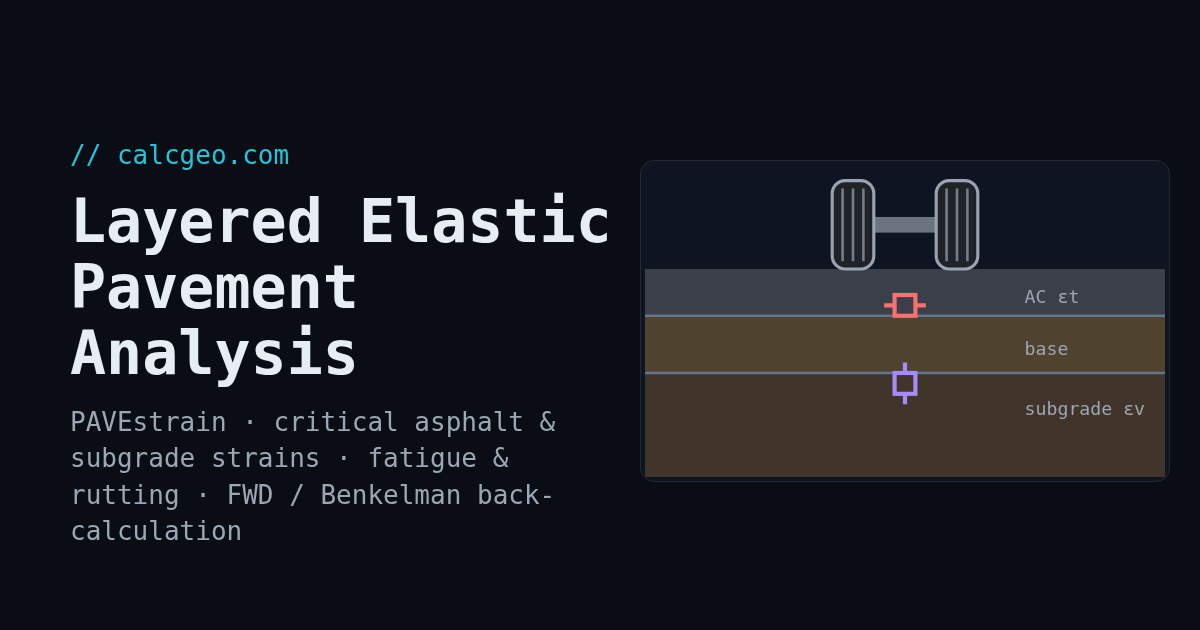
Click Calculate. The applet returns deflection, stresses and strains at every evaluation point, then finds the largest horizontal tensile strain at the bottom of the asphalt (εt) and the largest vertical compressive strain at the top of the subgrade (εv) under the loads you entered. Those two values feed the fatigue and rutting transfer functions.
3. Read the critical strains
Under dual tires the worst location is not obvious. Near the surface the tensile strain often peaks under a tire; deeper down the subgrade strain often peaks between the tires. PAVEstrain searches under each tire, between the tires and along the line joining them, and reports the under-tire, between-tire and overall maximum values with their locations marked on the plan plot.
4. Fatigue and rutting lives
The Performance section compares transfer functions side by side and marks the controlling model:
- Fatigue: Asphalt Institute MS-1 (1982), which uses asphalt volumetrics (Vb, Va), Shell (1978) and Finn et al. (1977).
- Rutting: Asphalt Institute MS-1 (1982) and Shell (1985) at 50, 85 and 95 percent reliability.
These models are empirical and highway-calibrated. Use the design load they were calibrated with, normally the 18-kip single-axle dual.
5. Back-calculate moduli from deflections
- FWD: enter plate load and radius and the measured basin (offset and deflection for each sensor). Tick the layers to adjust, with a seed modulus and bounds for each. PAVEstrain fits the moduli and plots the measured and computed basins.
- Benkelman beam: one rebound between the duals can determine one unknown — usually the subgrade — or a single scale factor on all layers.
One deflection reading fixes overall stiffness, not how that stiffness is shared among the layers. Seed choice and which layers you free matter; treat the fit as a check, not a unique soil property.
6. Export and print
Export CSV downloads the evaluation-point results. Use the browser print layout for a printable summary of the section, critical strains and lives.
Example: three-layer section under an 18-kip dual
Asphalt 4 in (E = 500,000 psi, ν = 0.35), granular base 8 in (E = 40,000 psi, ν = 0.35), subgrade E = 7,000 psi, ν = 0.40, all interfaces bonded. Two tires of 4,500 lb at 100 psi (a ≈ 3.79 in), 13.5 in center to center:
| Response | Under a tire | Between duals | Maximum |
|---|---|---|---|
| εt, bottom of asphalt | 253.6 με | 214.6 με | 256.1 με (near tire) |
| εv, top of subgrade | 724.0 με | 770.5 με | 770.5 με (between duals) |
With Vb = 11 % and Va = 5 %, the Asphalt Institute equations give Nf ≈ 6.9 × 10⁵ and Nd ≈ 1.2 × 10⁵ repetitions, so rutting controls this section under those criteria. Thickening the asphalt to 6 in drops both strains by roughly 30 %.
Tips
- Model the duals. One equivalent single tire overstates both critical strains compared with the actual dual set.
- Check the plots before Calculate so loads and points are not offset from the section you intended.
- Hot weather: try a lower asphalt modulus; both εt and εv rise when the asphalt softens.
- Want the theory? The All-Access Learn article covers Burmister theory, transfer functions, FWD practice and hand checks in more depth.
Limitations
Disclaimer. Approximate mechanistic analysis only. The model is linear elastic, layers are infinite in plan, and the transfer functions are empirical. Results are not a substitute for a site investigation or a full agency pavement design. State or local requirements may require a site-specific investigation, and results should be reviewed by a registered geotechnical engineer or engineering geologist. Use at your own risk.
Start using it
All-Access is $9/month or $89/year with a 3-day free trial (auto-renews; card required). See subscription terms. Cancel anytime from Account. Subscribers also get the method, assumptions and references Learn article.
Frequently asked questions
What does PAVEstrain calculate?
PAVEstrain is a browser multilayer linear elastic pavement analyzer in US units. It returns deflections, stresses and strains under circular wheel loads, finds the critical asphalt tensile strain and subgrade vertical compressive strain, compares fatigue and rutting transfer-function lives, and can back-calculate layer moduli from an FWD basin or a Benkelman beam rebound.
Which strains control fatigue cracking and rutting?
Horizontal tensile strain at the bottom of the asphalt drives bottom-up fatigue cracking. Vertical compressive strain at the top of the subgrade drives rutting. Under dual tires the worst location can sit under a tire near the surface and between the tires deeper down, so the actual dual geometry matters.
What units does it use?
US customary units: loads in pounds, dimensions in inches, moduli and stresses in psi, deflections in mils (0.001 in) and strains in microstrain.
Is this enough for a full pavement design?
No. It is a mechanistic analysis and checking tool. Results are for engineering guidance and should be reviewed by a registered geotechnical engineer or engineering geologist against project-specific data, agency requirements and the original references.
Related: PAVEstrain tools page · Learn article (All-Access) · All public guides · All tools